

 This item ships for


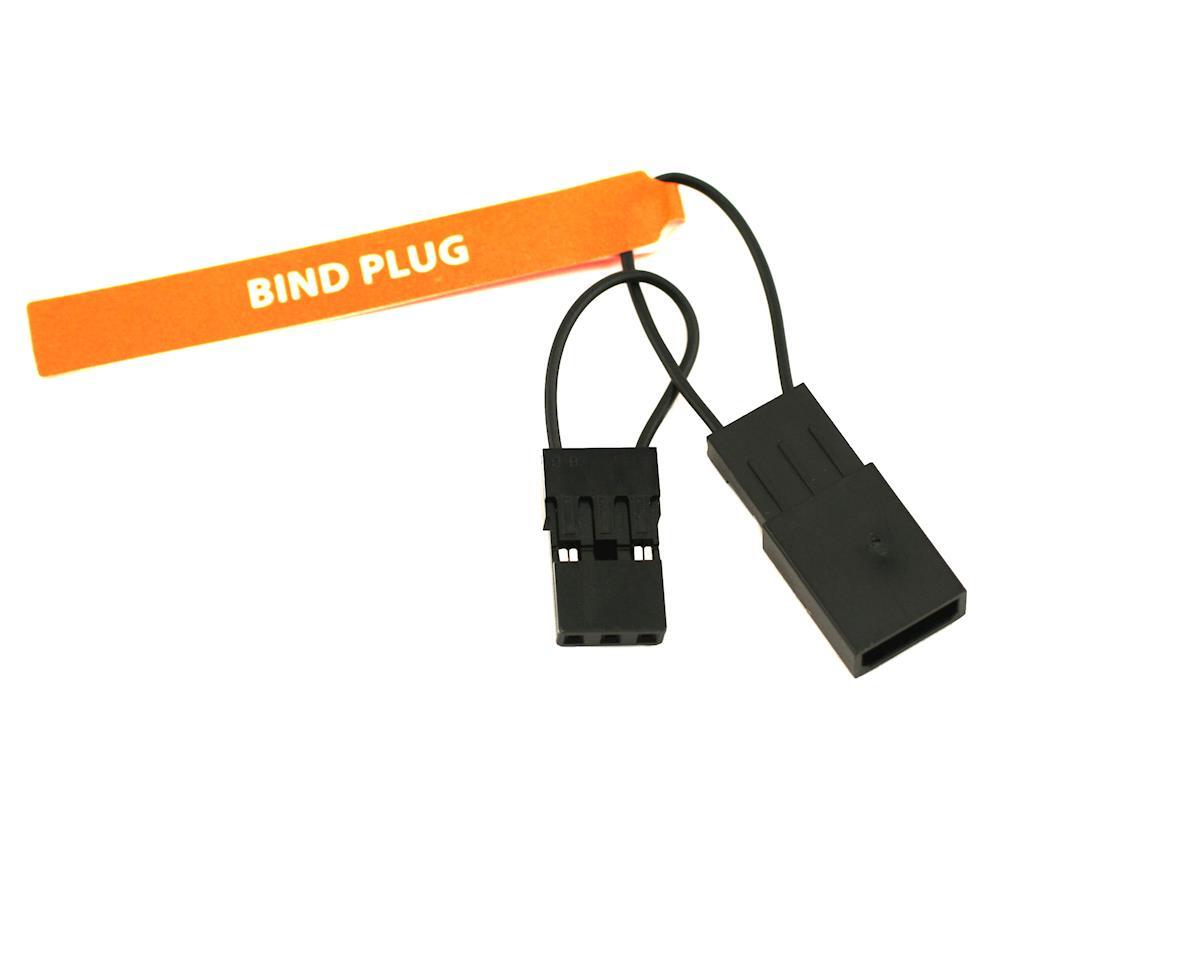
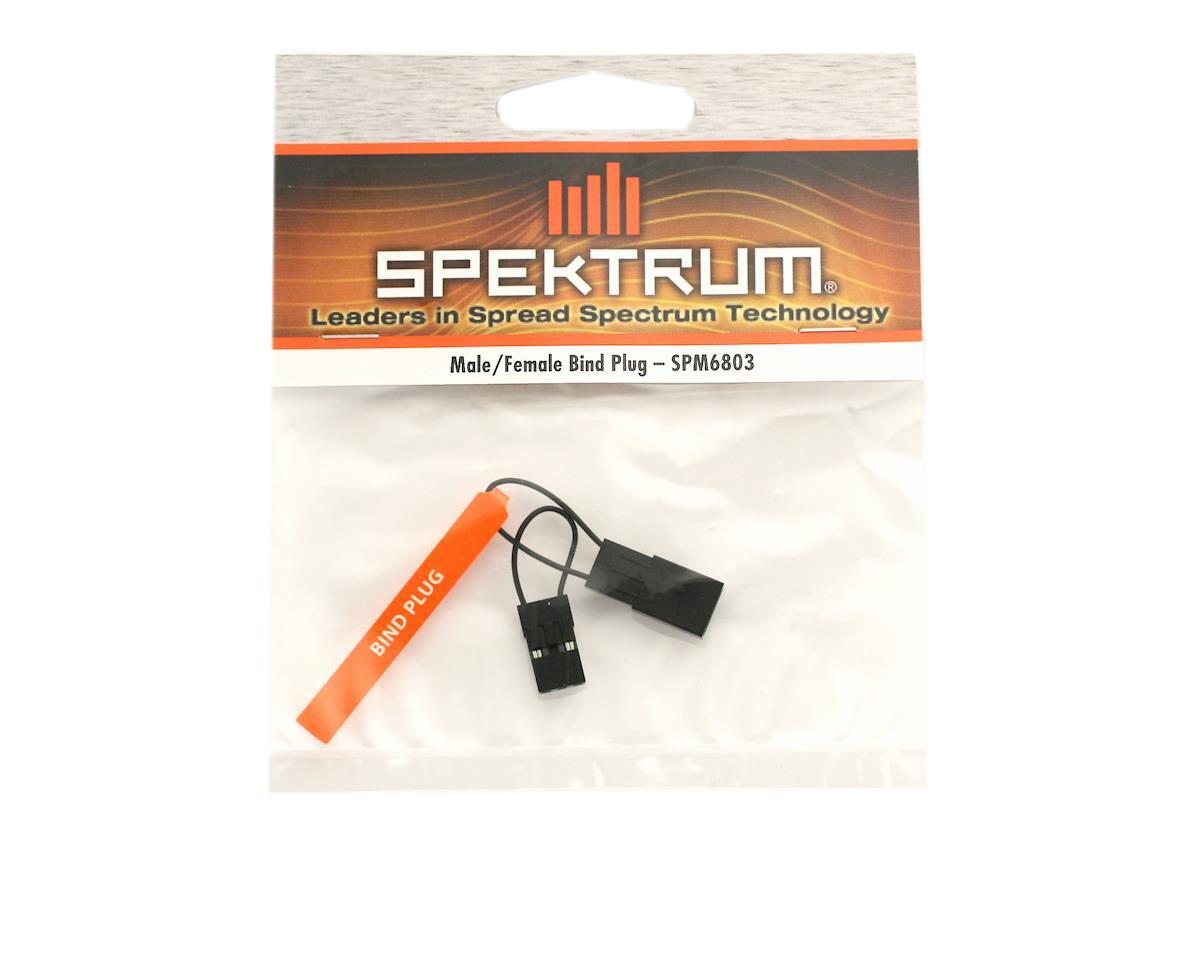
This is the essential Bind Plug required to link (pair) any Spektrum transmitter to a Spektrum receiver. It is a simple but critical tool that creates a jumper between the signal pin and the ground pin on the receiver's data port, telling the receiver to enter "Bind Mode" so it can memorize your transmitter's unique code.
While often small and easy to lose, this specific version features a large, flat plastic "flag" handle, making it easier to insert, remove, and find in the bottom of your toolbox.
Key Features
-
Universal Fit: Fits the standard 3-pin servo headers found on virtually all Spektrum receivers (Air and Surface), as well as compatible brands (OrangeRx, Lemon RX).
-
High-Visibility Flag: The plastic handle is labeled "BIND" and provides a grip to pull the plug out of tight receiver boxes without pulling on the wires.
-
Male/Female Terminology: While the title says "Male/Female," technically this is a Female connector (it has holes) designed to plug onto the Male pins of the receiver.
Compatibility
-
Air Receivers: AR620, AR630, AR637T, AR8020T, and legacy DSM2/DSMX receivers.
-
Surface Receivers: SR315, SR215, SR515, and legacy DSM/DSMR receivers.
-
Note: Some newer "Button Bind" receivers (like the SR6000 series or some micro receivers) do not use a bind plug, but it is always good to have this in your kit for standard models.
How to Use (Standard Binding)
-
Insert: With the battery OFF, insert this Bind Plug into the receiver port labeled BIND/DATA (or sometimes "BATT/BIND").
-
Power Up: Plug the battery into the receiver (or ESC). The receiver LED should start flashing rapidly. This means it is looking for a transmitter.
-
Bind: Hold the Bind Button on your transmitter and turn it on (or select "Bind" in the menu).
-
Solid Light: Once the receiver LED goes solid orange, the bind is complete.
-
Remove: IMPORTANT! You must pull the Bind Plug out before you turn the power off. If you leave it in, the receiver will go back into bind mode the next time you turn it on, and it won't work.